
What do you get from a Microsoft 365 licensing assessment?
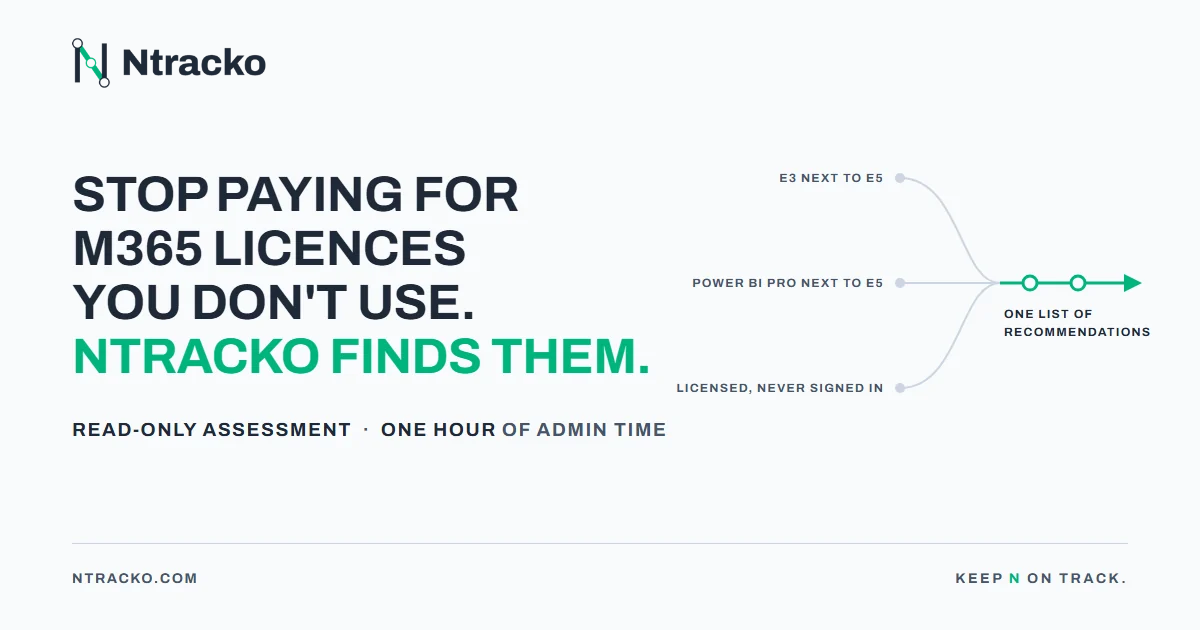
A Microsoft 365 licensing assessment with Ntracko delivers a curated list of recommendations for your tenant; this is not a reporting dashboard. Each item names the users, the assignments involved, the evidence, and the estimated annual impact at public Microsoft prices. The list is ordered by impact, reviewed by the Ntracko team, and delivered in PDF, Excel, or HTML.
KEY TAKEAWAYS
- A Ntracko licensing assessment delivers a curated list of recommendations for your tenant, reviewed by the Ntracko team before you receive it, in PDF, Excel or HTML.
- Every finding names the users, the assignments involved, the suite that already covers the service, and the estimated annual impact at public Microsoft prices.
- The findings fall into three kinds: overlapping plans, licenses on disabled and inactive accounts, and services you already own but pay for separately.
- Across the first ten tenants assessed, more than 34,000 assignments were flagged this way, worth more than $7M per year in potential savings.
- Nothing in your tenant changes. Every decision on the list stays with your team.
What is the difference between a list of recommendations and a dashboard?
A list of recommendations carries a decision for each item, while a dashboard carries the data that decision would need. Most large organizations already have reporting on license assignments: the admin center, an inventory export, a script someone wrote a few years ago. What is missing at 10,000 or 300,000 accounts is the step from the data to a decision on each assignment.
The assessment does that step for you. Every line on the list says who holds what, why it counts as an overlap or an unused license, and what it is worth per year. Your licensing manager can approve, keep, or defer each line without opening another report.
What does one finding look like?
One finding is one user, the assignments involved, the evidence, and a number. For an overlap, that is the two plans held side by side, the suite that already includes the service, and the monthly and annual cost of the duplicate at public Microsoft prices. For an unused account, it is the disable date, the last sign-in, and the licenses still attached.
The evidence is on the line, so nobody has to go back to the tenant to check. A sample from the suggestions view: Teams Phone for 4 users, Power BI Pro for 22 and Copilot for 205, each already covered by a plan those users held, with the users listed and what to enable first.
What kinds of findings are on the list?
| Kind of finding | Example | Evidence on the line | What you decide |
|---|---|---|---|
| Overlapping plans | E3 alongside E5, Visio Plan 1 alongside Plan 2 | Both assignments, the overlapping plans, cost of the duplicate | Which of the two to keep |
| Licenses on disabled and inactive accounts | Account disabled in March, license still assigned; no sign-in for 12 months | Disable date, last sign-in, licenses attached | Recover the license or keep it on purpose |
| Services you already own but pay for separately | Power BI Pro alongside E5 or E7, Teams Phone next to a suite that includes it | The standalone license, the suite that covers it, annual impact | Remove the standalone assignment, enable the service from the suite |
Each kind comes from a different place in the organization: promotions and acquisitions, offboarding, and suite upgrades that arrived after the standalone licenses. The list keeps them apart so each can go to the person who owns that process.
Who checks the list before it reaches you?
A person on the Ntracko team reviews every report before delivery. The findings come from more than 1,000 optimization rules across more than 6,000 Microsoft SKUs, and the team updates those rules as Microsoft adds, renames, and retires plans. The review is where the rules meet your tenant: a non-standard agreement, a license sync tool, or a cleanup script you already run is taken into account before a line makes it onto the list.
We create a curated list of recommendations for your specific infrastructure, not a dashboard. Named users, the assignments involved, the evidence, and the estimated annual impact at public Microsoft prices.
How does the list fit the tools you already run?
The assessment runs alongside what you already have and changes nothing. License sync tools, scripts that clean up disabled accounts, and non-standard agreements all stay in place; the list reports what they missed. In practice, the gaps show up where the platform has moved since a tool was written: a suite that now includes a service the tool still assigns separately, or a plan that was renamed.
Ntracko reads license and account data and makes recommendations. Every change stays with your team, in the order you choose.
FAQ
1. How long after access is granted does the list arrive?
The report is ready within an hour of the data being available. A person on the Ntracko team reviews it before you receive it, and the delivery comes with a call on what to do first.
2. What access does the assessment need?
Read access for the scope you choose. Your administrator registers an app with three Microsoft Graph read permissions (users and account status, license assignments, sign-in activity) and gives admin consent, or runs a script we provide. Sign-in checks need Entra ID P1 or P2; without them, the list still covers overlaps and disabled accounts.
3. What happens to the data access after the assessment?
Your IT team revokes any permissions when the report is delivered. Alternatively, you can run our scripts internally and provide anonymized data input to save yourself the trouble of PII processing. Nothing is deployed in your environment, and nothing is left running.
4. How often should the list be refreshed?
Most organizations run two assessments. The first finds the overlaps, the second confirms the agreed changes landed and measures what was saved. Recurring reviews are available for tenants that change often.
5. Who is the assessment for?
Organizations with 500 or more licensed Microsoft 365 users, several plans in one tenant, and often a history of acquisitions or tenant merges.
6. How is the assessment purchased?
Through a Microsoft Marketplace Private Offer or a written agreement. The price depends on tenant size and scope and is fixed on a 30-minute scope call before anything is purchased.